Managing Complaints
Used in these workflows
- What it is: The central place to view and handle all complaints submitted by your agents.
- How to Manage Complaints:
- Navigate to Complaints in the main sidebar to see the list.
- Click on a complaint to view its details.
- From here, you can add a comment to communicate with the agent or record your findings.
- Use the buttons to either Dispute or Resolve the complaint.
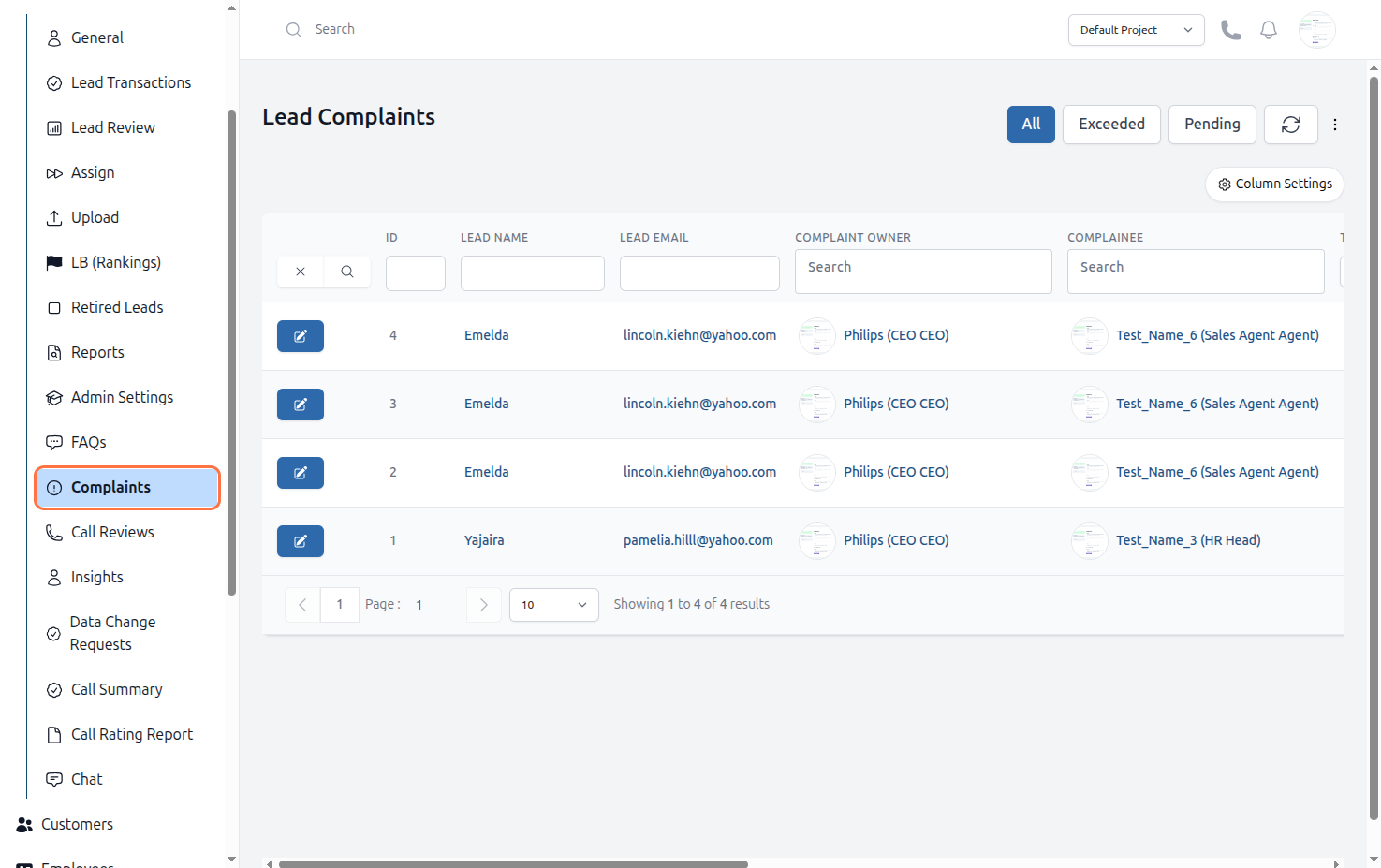
Figure: Lead Complaints